Start with the output you want, then design the workflow with your agent.
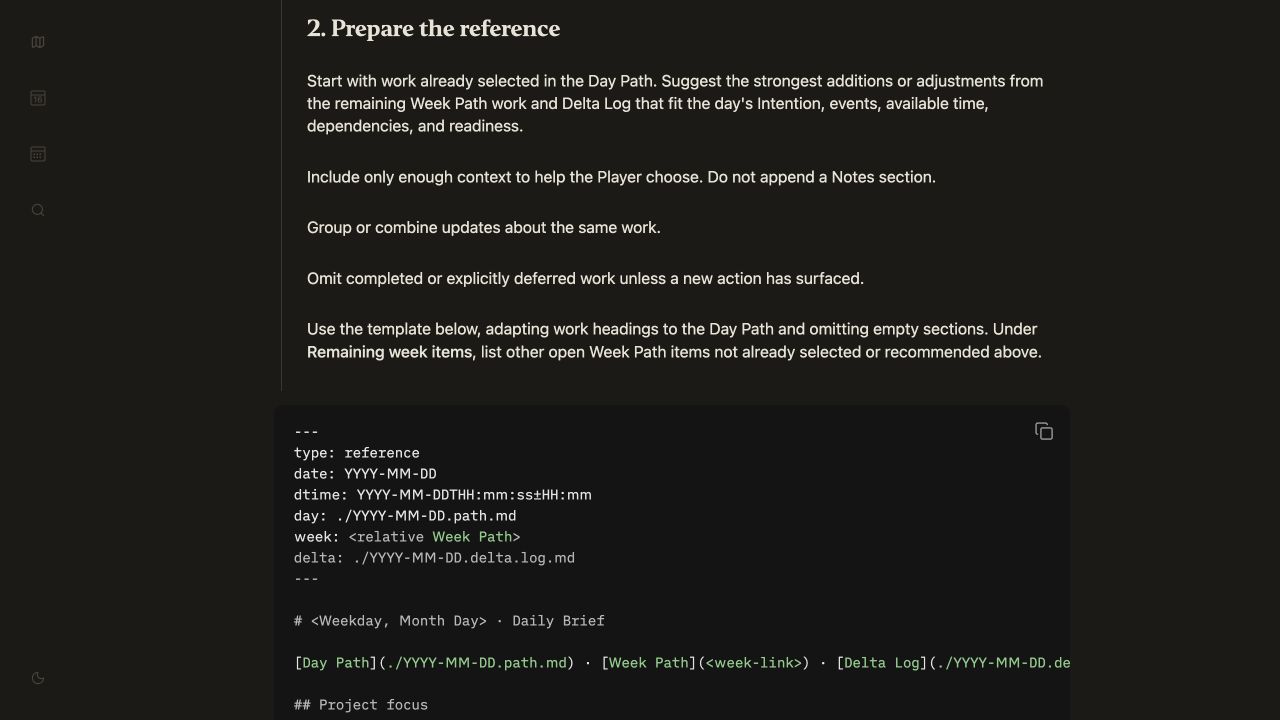
The brief template defines the result; the workflow specifies which inputs to read, what to include or omit, and where to save it.
-
Create a folder for the area or project (Ops, Finance, Scheduling…).
-
Add good example files of the results you want (for example, a polished RFP, project brief, weekly report, template weekly schedule…).
-
Point your agent at the example(s) and tell it you want to create a new workflow Markdown file for creating new versions of the example.
I like to name files like this:
rfp-filler.workflow.mdscheduler.workflow.mddaily-brief.workflow.md
Create the workflow with your agent — don’t let it draft the whole thing.
Use the walk block-by-block pattern to walk through the example and create instructions for how to fill out each part.
Then, run your workflow program by instructing the agent to follow the steps and see if its output matches the quality of the examples.