---
title: Mise en place
theme: studio
generated: agent
---
[@styles]: ../theme.css
# Mise en place

Mise en place. Photo: PilotChicago, CC BY-SA 4.0; unchanged.
Often the hardest part of creative work is regathering and scaffolding the mental context you need to even start:
- Where did you leave off?
- What feedback came in to consider?
- What does this work connect to?
- Etc.
Agents are great at gathering and scaffolding all that context if you:
- Describe the outcome you want from a task.
- Create a “router” list of where it should look for inputs (a project management system, email, calendar, notes).
- Tell it to prepare all the links you’ll need.
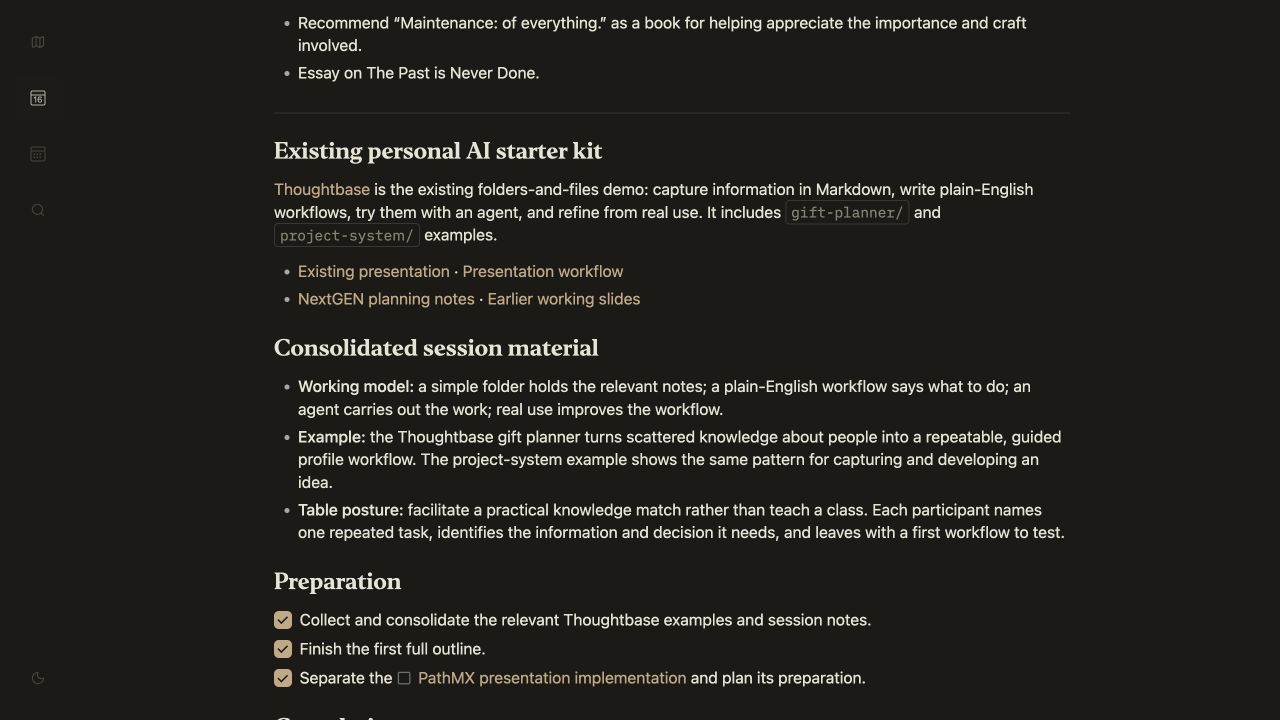
Outline the presentation: existing materials, source links, and preparation gathered in one Step.
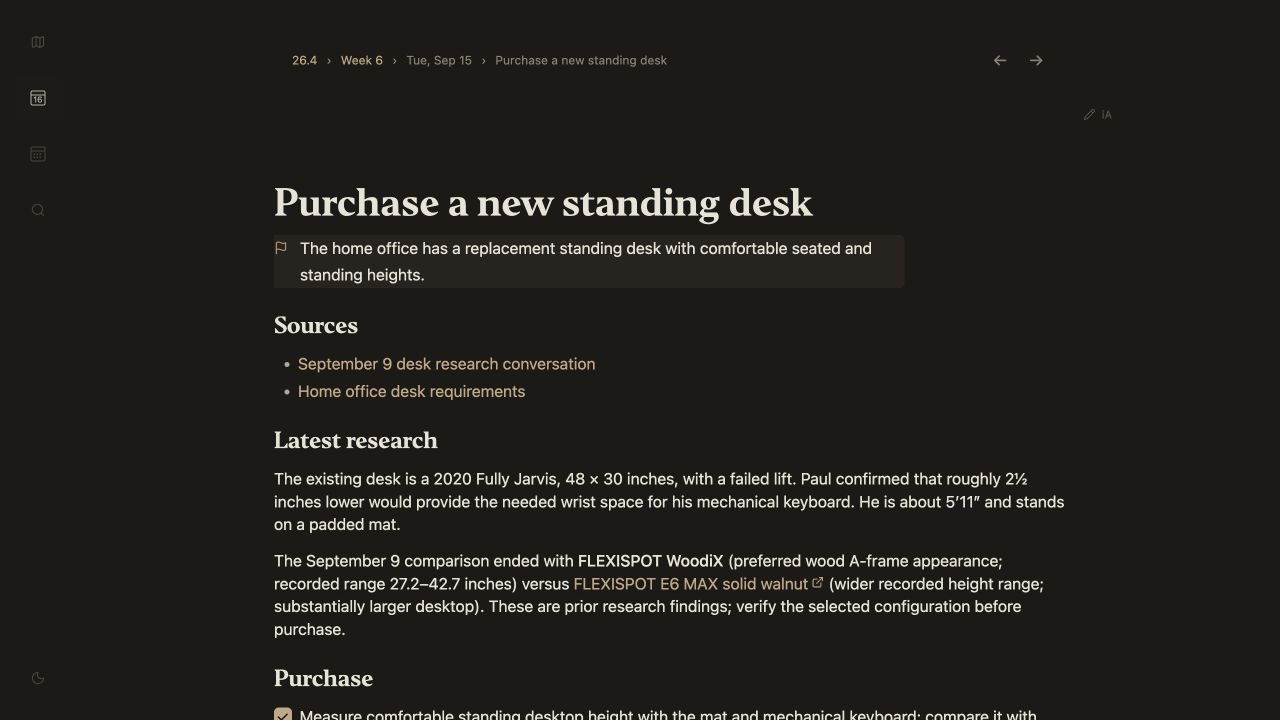
Purchase a desk: prior research, requirements, and purchase checks ready to use.
[Back to Patterns](../index.path.md?play=presentation#patterns) • [Next pattern](./just-ask.path.md?play=presentation)