Where to begin? When automating for the first time or automating a new area, always start with:
One small, high-impact workflow.
For example, the most tedious part of a larger process.
Iterate on that slice of a workflow only until it’s as automated as you want it.
Once it works, you + an agent can use it as a canonical reference for creating workflows for the other parts.
Start with the output you want, then design the workflow with your agent.
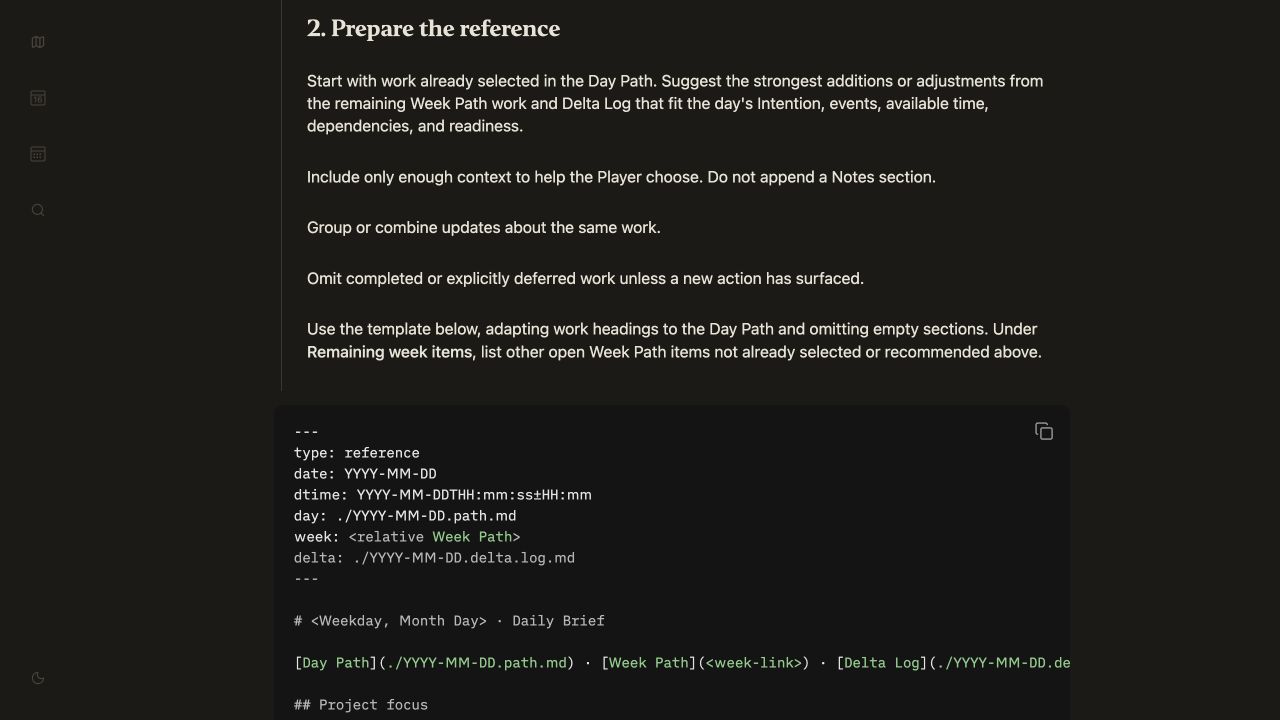
The brief template defines the result; the workflow specifies which inputs to read, what to include or omit, and where to save it.
-
Create a folder for the area or project (Ops, Finance, Scheduling…).
-
Add good example files of the results you want (for example, a polished RFP, project brief, weekly report, template weekly schedule…).
-
Point your agent at the example(s) and tell it you want to create a new workflow Markdown file for creating new versions of the example.
I like to name files like this:
rfp-filler.workflow.mdscheduler.workflow.mddaily-brief.workflow.md
Create the workflow with your agent — don’t let it draft the whole thing.
Use the walk block-by-block pattern to walk through the example and create instructions for how to fill out each part.
Then, run your workflow program by instructing the agent to follow the steps and see if its output matches the quality of the examples.
View your workflow files just like program code (they are!). Like code, they will have bugs and unexpected results.
Your job as the language programmer is to review and tell your agent where it’s unclear and clarify things, then run it again and evaluate the results.
My current daily path has taken 30 significant design versions and is still “beta” (but also very useful).
AI agents write way too much code by default (“slop”). The same is true for instructions.
With iteration, it becomes “spaghetti code” that’s too messy to understand or fix.
Only you — the human in the loop — can say “that’s too much” or “just enough” to rein this LLM tendency in.
While an agent can help you write your workflow code, you need to own it.
You should at least review each key step.
Use walk block-by-block + canonical versions to more easily review and edit a long workflow with an agent.
Walk through this with me one block at a time. Present one complete idea, ask 1–3 focused questions, and wait for my response. Apply my feedback before moving to the next block. At the end, review the whole for consistency.
When a workflow, example, or any other language program file works just enough to be useful, store it in a library or source folder as the canonical version you will re-use and improve over time.
Keep half-baked ideas and in-progress projects separate from your canonical useful sources.
I like to organize these in three folders:
/product-design
    /ideas — loose ideas, not commitments
    /projects — ideas in progress toward functioning programs
    /library — current versions of what works (my personal source code)
Tip: add an
AGENTS.mdfile and point your agents at your/libraryso they find them automatically.
Create a durable, guide-like record of your important work, workflows, and how the system works.
This is useful for you, but even more so for your current and future Agents, which you can point at your folder.

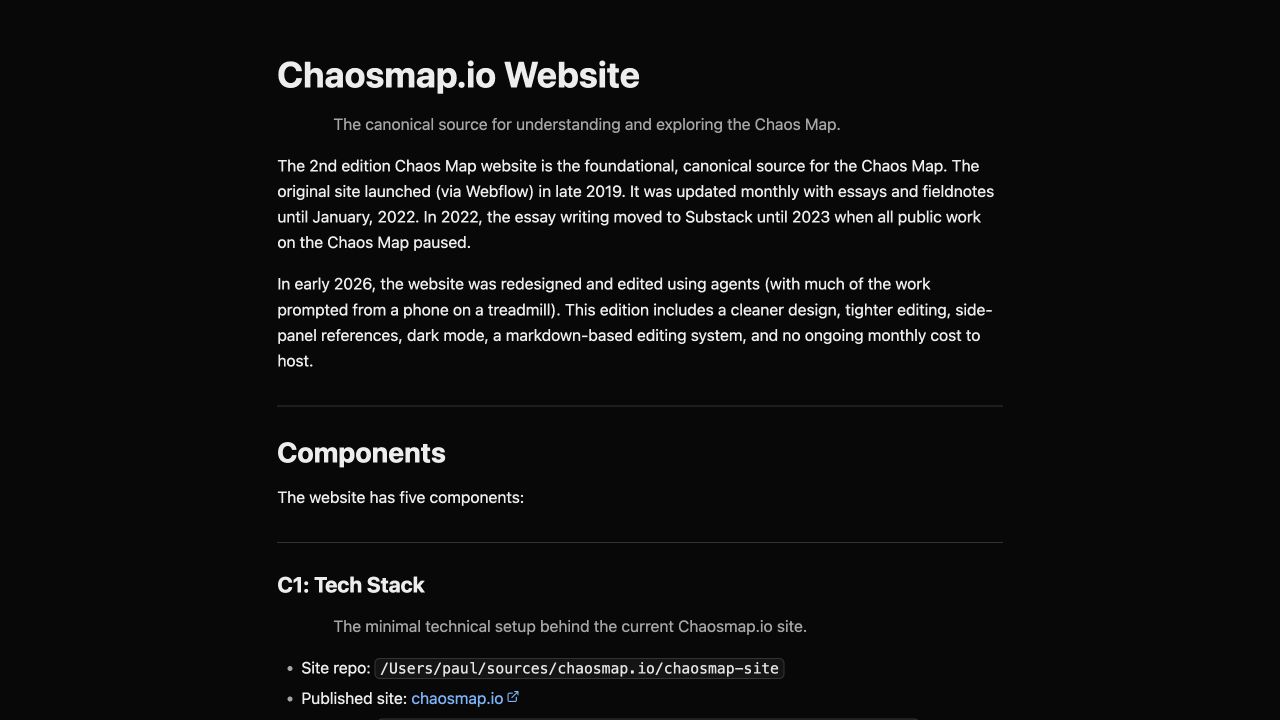

Often the hardest part of creative work is regathering and scaffolding the mental context you need to even start:
- Where did you leave off?
- What feedback came in to consider?
- What does this work connect to?
- Etc.
Agents are great at gathering and scaffolding all that context if you:
- Describe the outcome you want from a task.
- Create a “router” list of where it should look for inputs (a project management system, email, calendar, notes).
- Tell it to prepare all the links you’ll need.
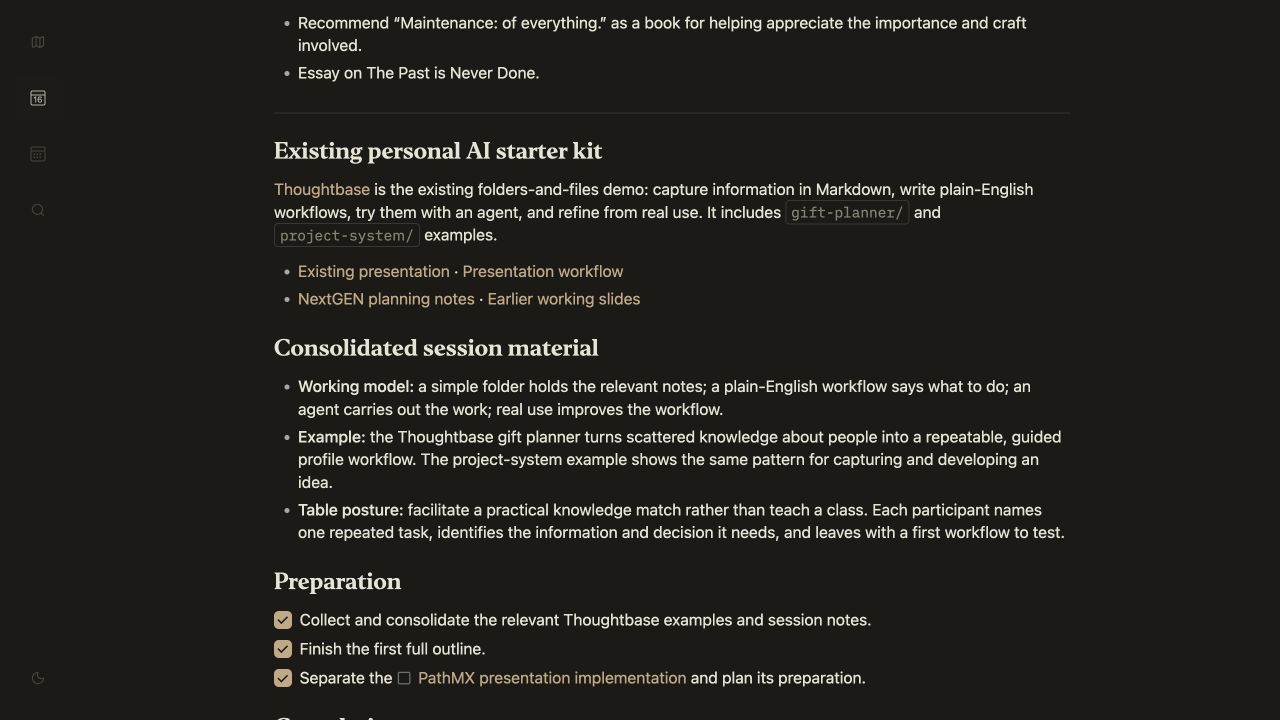
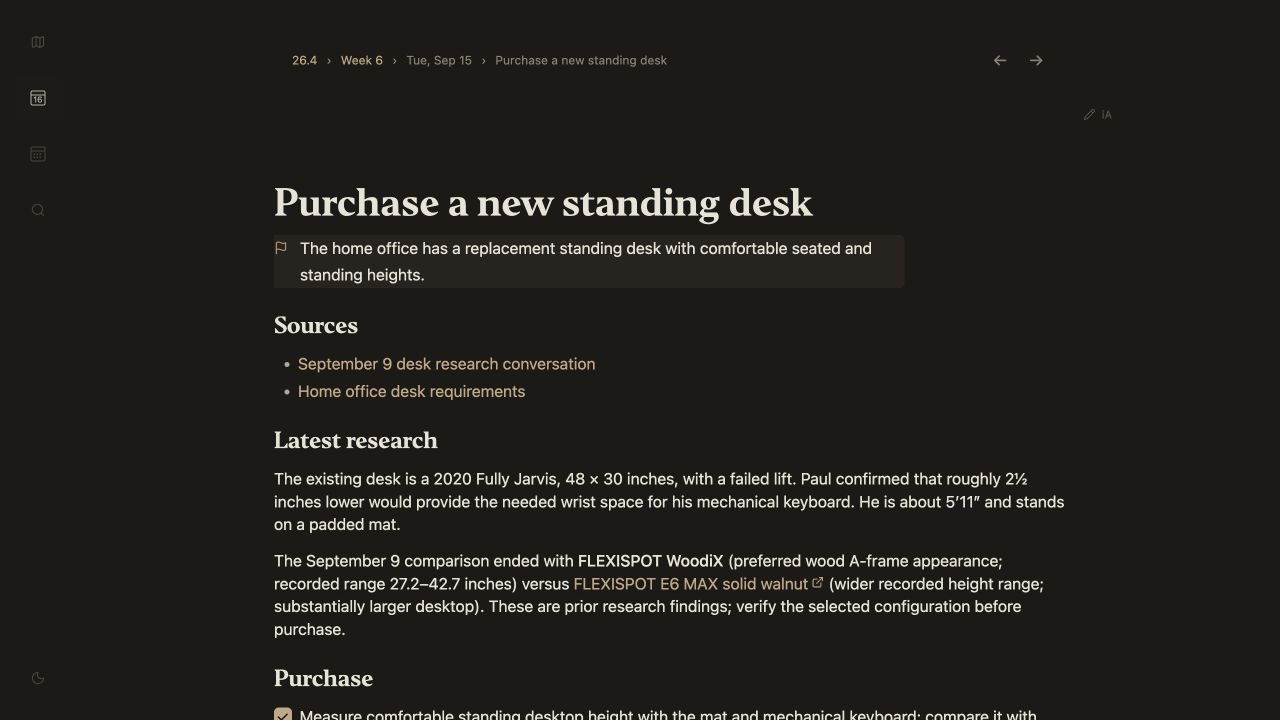
If something isn’t working, describe what you’re trying to do and where you’re stuck to the agent that can see your files. Ask it to help you diagnose and fix it.
Working with Agents can create a highly stimulating — but superficial — sense of progress and quality.
Over time, I’ve found the best way to rein them in (for me) is to apply three core rules:
- Agents may never speak for me.
- Agents may not think for me.
- Agents may not vibe with me.
As you work with Agents, pay attention to what feels good to you and what doesn’t. Distill those into rules you point all your agents at.