About me: Hello 👋🏻
I’m Paul (twin #1), CEO and cofounder of Pathwright.
I’ve spent three decades designing and developing software products with my twin.
When designing software, I like to think of two jobs:
- reducing friction
- granting superpowers
That’s what Pathwright is designed to do for teachers and learners.
More recently, I’ve been exploring how LLM agents can reduce friction in making progress on anything: a career, startup, project, hobby — you name it.
Faster, fewer errors, lower cost — sure, but my favorite reason is to:
Free up creative mental energy for more satisfying, better work.
automate: to make something that acts on its own.
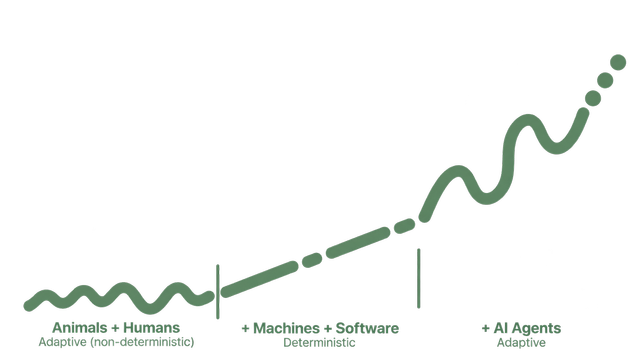
The boring stuff:
Repetitive, dull work that feels like it’s wearing a hole through your soul that all your spare creative mental energy is leaking out of.
Not all boredom should be (fully) automated away! Taking care of your health, budgeting, and keeping things tidy can be boring — but essential — habits. And being “bored” occasionally is good — it’s fertile ground for creative ideas.
What is one task you do repeatedly that drains your mental/creative energy and that you’d most like to automate?
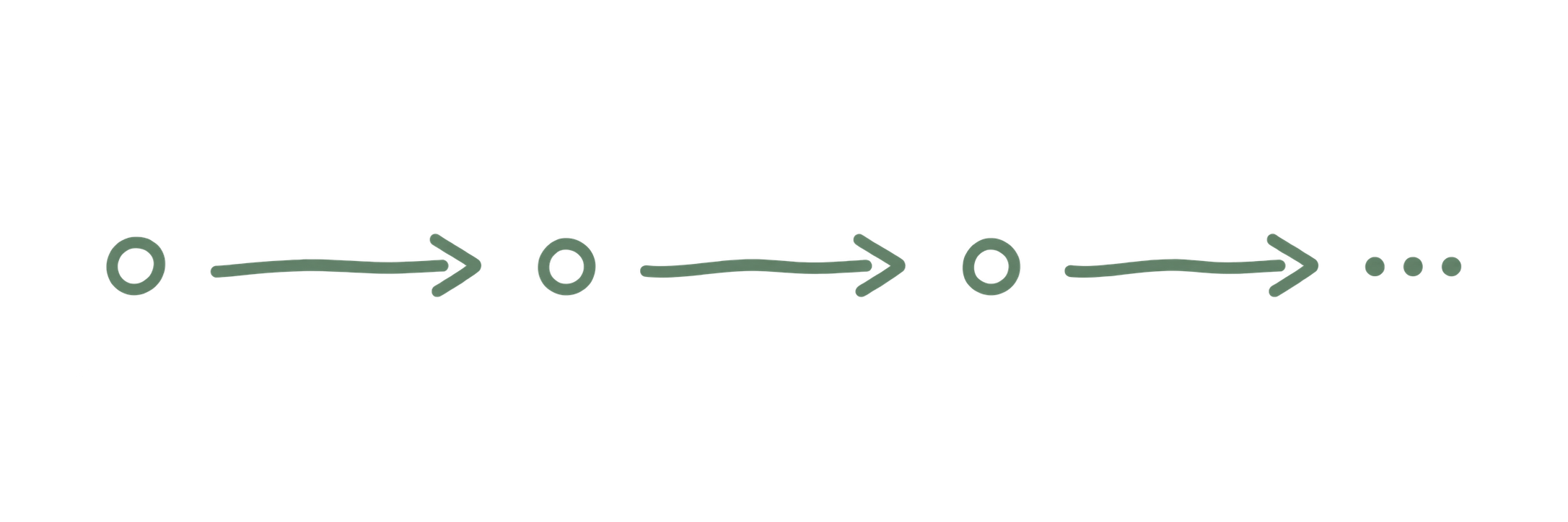
information → form / report- Filling out standard forms or reports: RFPs, applications, metrics…
apps / content / data → information- Hunting and gathering information across emails, calendars, notes, apps, spreadsheets, the web…
information → reformatted information- Transporting information from one app to another, from notes to summaries, from transcripts to tasks…
information → standard → information- Double-checking: proofreading, reconciling, categorizing, reviewing, monitoring, compliance assessment…
status → information → status → …- Monitoring: scheduling, following up, checking in, reviewing status…
You can automate an amazing amount of boring stuff using three simple tools: agents + folders + files.
agent: an AI that can work with your computer’s folders, files, and apps to complete goals.
folders: the folders on your computer (or iCloud/Drive).
Have you given an agent access to a folder on your computer?
files: the docs, images, and other files you put in your folder.
Because LLMs can easily understand and write text, plain language is the most powerful programming language.
A page of well-written English can yield results that thousands of lines of code would struggle to match.
- Create a Markdown file like
daily-brief.workflow.md(plain text also works). - In the file, clearly write what you’d like the agent to do.
- Point an agent at it.
We’ll now use the three ingredients — agents + folders + files — together to automate a small workflow.
Rather than copy + paste other people’s prompts or follow a step-by-step guide, practice using simple patterns that you can improve and apply as needed.
Here are some automation patterns I use (and I’d love to hear yours!)
If you’re trying to apply the patterns in this presentation, just share this link with the agent: paulnjohnson.com/guides/automate-the-boring-stuff